Lab Meeting Presentation: Template, Example and Tips
A slide-by-slide lab meeting presentation template, how to present when nothing worked, and how PIs can run lab meetings people actually learn from.
A good lab meeting presentation answers four questions in order: what question you were trying to answer, what you did, what the data show (the raw data, not only the summary), and what you will do next and what you need from the room. Give every slide a full-sentence title that states its point, show one figure per slide, and plan for about one slide per minute with a third of your time left for discussion.
Lab meetings are not conference talks. The audience knows your project, is allowed to interrupt, and is there to help you. That changes how you should build the slides. This guide covers the template, the special cases (your first lab meeting, a week where nothing worked), and, for PIs and lab managers, how to run lab meetings that people prepare for instead of dread.
The template: a 30-minute research update
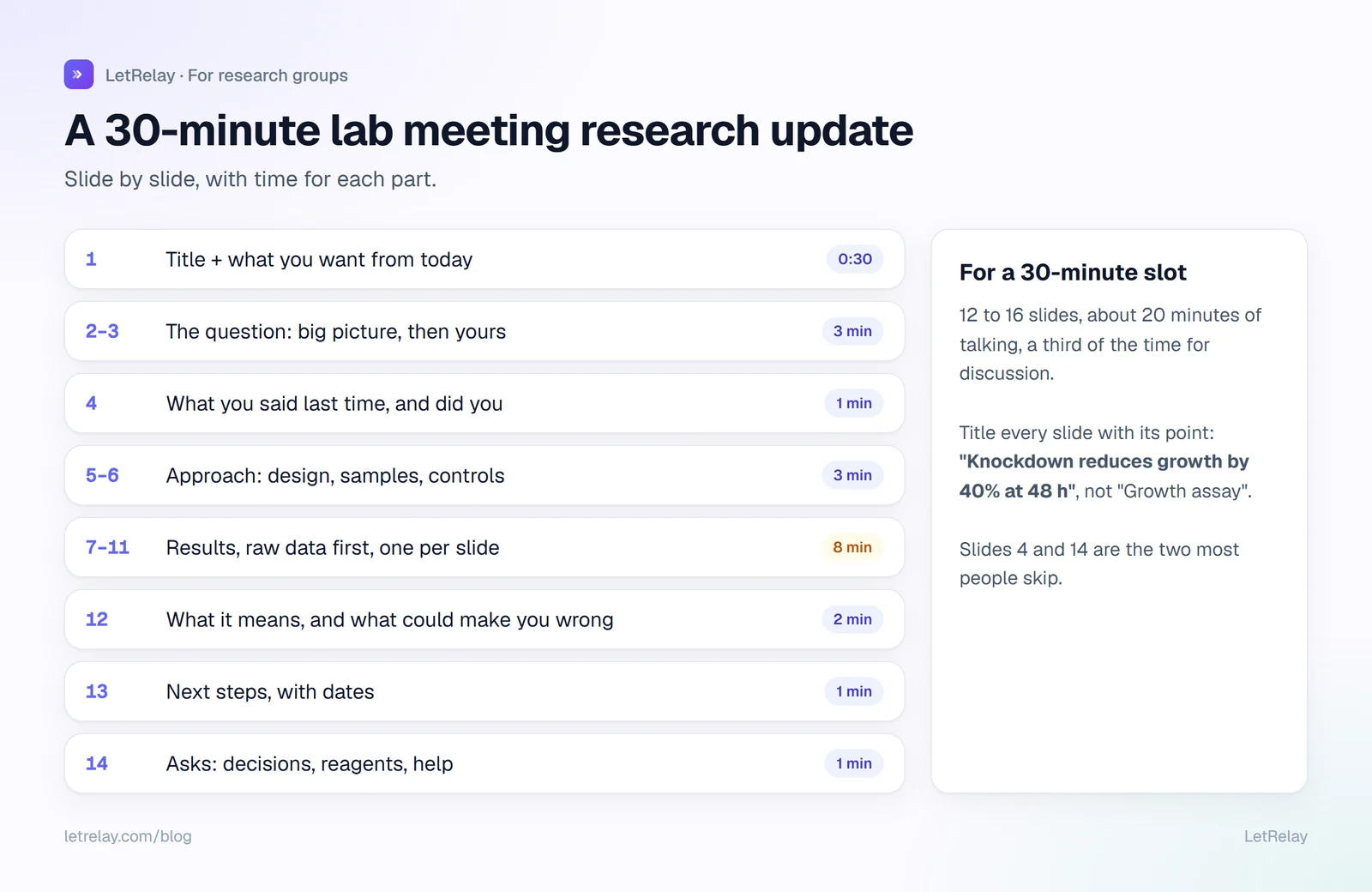
For a 30-minute slot, aim for 12 to 16 slides and about 20 minutes of talking. MIT Biology's talk guide for undergraduates puts the rule simply: at most a minute per slide, and plan a talk shorter than the time limit so there is room for questions.
| Slides | What goes on them | Time |
|---|---|---|
| 1 | Title, and one sentence: what you want from this meeting | 0:30 |
| 2 to 3 | The big question and your specific question. Assume people forgot. | 3 |
| 4 | What you said you would do last time, and whether you did | 1 |
| 5 to 6 | The approach: design, samples, controls, key parameters | 3 |
| 7 to 11 | Results, one per slide, raw data first, then the summary plot | 8 |
| 12 | What you think it means, including what could make you wrong | 2 |
| 13 | Next steps, with dates | 1 |
| 14 | Asks: decisions, reagents, compute, help, co-author input | 1 |
| Spare | Backup slides: methods detail, extra controls | as needed |
The two slides most presenters skip are slide 4 and slide 14. Slide 4 connects this meeting to the last one, so the group can see progress instead of a fresh story each time. Slide 14 turns the meeting into help: a lab meeting where nobody is asked for anything wastes the most expensive hour of the week.
Slide rules that make the data readable
Write the point as the title. "Knockdown reduces growth by 40% at 48 hours" beats "Growth assay". Penn State's Michael Alley calls this the assertion-evidence structure: a sentence headline that states the message, supported by visual evidence rather than a bullet list. The Wallace lab manual at the University of Edinburgh asks for the same thing on one-slide updates: the title must be a sentence that summarises the message.
Show the raw data. MIT's guide is explicit: show original data, especially if the experiment has not worked, because that is how you get useful input. A bar chart of means hides the one outlier that someone in the room will recognise.
Label everything. Axes, units, sample sizes, what each colour means. If you have to say "the blue one is the control" out loud, write it on the slide.
One figure per slide, filling the slide. Crop the empty space. If a figure needs a laser pointer to be read, it needs to be bigger.
Make it readable from the back. MIT's guide suggests fonts no smaller than 24 point on slides. Test your slides on the actual room's projector once; colours that look fine on a laptop can disappear when projected.
When nothing worked
You will have lab meetings where the experiment failed, the model diverged or the samples were contaminated. Present them anyway, and present them properly. They are often the most useful meetings of the year, because the room has seen your failure before.
Use this shorter structure:
1. What I tried to do (1 slide)
2. What I expected to see (1 slide, a sketch is fine)
3. What I actually got: raw data or output, unedited (1 to 3 slides)
4. What I have ruled out already (1 slide)
5. My best guesses for what is wrong, ranked (1 slide)
6. What I would like from you: ideas, a protocol, 20 minutes of someone's time
Be specific on slide 6. "Any thoughts?" gets silence. "Has anyone seen this band pattern with this kit?" gets an answer.
Your first lab meeting
A new student's first lab meeting is usually a plan, not results. Many labs use it to present a short research proposal and collect feedback. Keep it to 15 to 20 minutes:
- the question you want to work on, and why it matters to the lab's broader aims
- two or three papers it builds on, one slide each at most
- your first experiment or analysis, in detail: what, how, how long, what you need
- what you do not know yet and would like advice on
Ask your supervisor to look at the slides the day before. Nobody expects a first lab meeting to be polished; everyone notices whether it was prepared.
Other lab meeting formats worth using
A lab meeting does not have to be one person presenting for an hour every week. Rotating formats keeps people coming. The Wallace lab, for example, rotates between one-slide updates, research updates, stand-up rounds, guest talks and journal clubs.
| Format | How it works | Good for |
|---|---|---|
| Research update | One person, 30 to 45 minutes, the template above | Deep feedback on one project |
| One-slide round | Everyone shows one slide, 5 minutes each, strict timer | Seeing the whole lab's progress |
| Stand-up round | Each person says done, next, blocked, in 2 minutes | Busy weeks, large labs |
| Journal club | One paper, read critically and discussed (see our journal club presentation guide) | Keeping up with the field |
| Troubleshooting hour | Two or three people bring one problem each | Methods and failed experiments |
| Practice talk | Full rehearsal of a conference or defense talk | Anyone with a talk coming up |
For PIs: running lab meetings people prepare for
A lab meeting runs on a few decisions the PI makes once.
Publish a rota. A shared schedule for the whole term, visible to everyone, with who presents and in which format. People prepare when they know three weeks ahead; they improvise when they find out on Monday. A simple rota looks like this:
Lab meeting rota, autumn term (Wednesdays 13:30, Room 1.07 + video link)

Date     Format             Presenter        Backup
7 Oct    Research update    Priya            Tomás
14 Oct   One-slide round    everyone         -
21 Oct   Journal club       Arjun            Mei
28 Oct   Research update    Mei              Priya
4 Nov    Troubleshooting    Tomás, Arjun     -
A backup presenter means illness never cancels the meeting.
Protect the time. Start on time, end on time. MIT's guide calls going over time the cardinal sin for the presenter; it is just as bad for the chair.
Ask your questions last. If the PI speaks first, students stop thinking and wait for the answer. Let students and postdocs ask first.
Make the asks actionable. At the end, repeat the presenter's asks and name who will help with each. Write it down where the lab can see it.
Keep progress checking out of the lab meeting. The weekly "where is everyone" belongs in short written updates and a 1:1 supervision agenda, not in a room where eight people wait while one person is questioned. See our PhD weekly update template and how to manage PhD students without chasing them.
For lab managers: book the room for the whole term at once, keep a video link that never changes, and put the rota in the lab's shared calendar so people get the reminder without anyone sending it.
How LetRelay does it
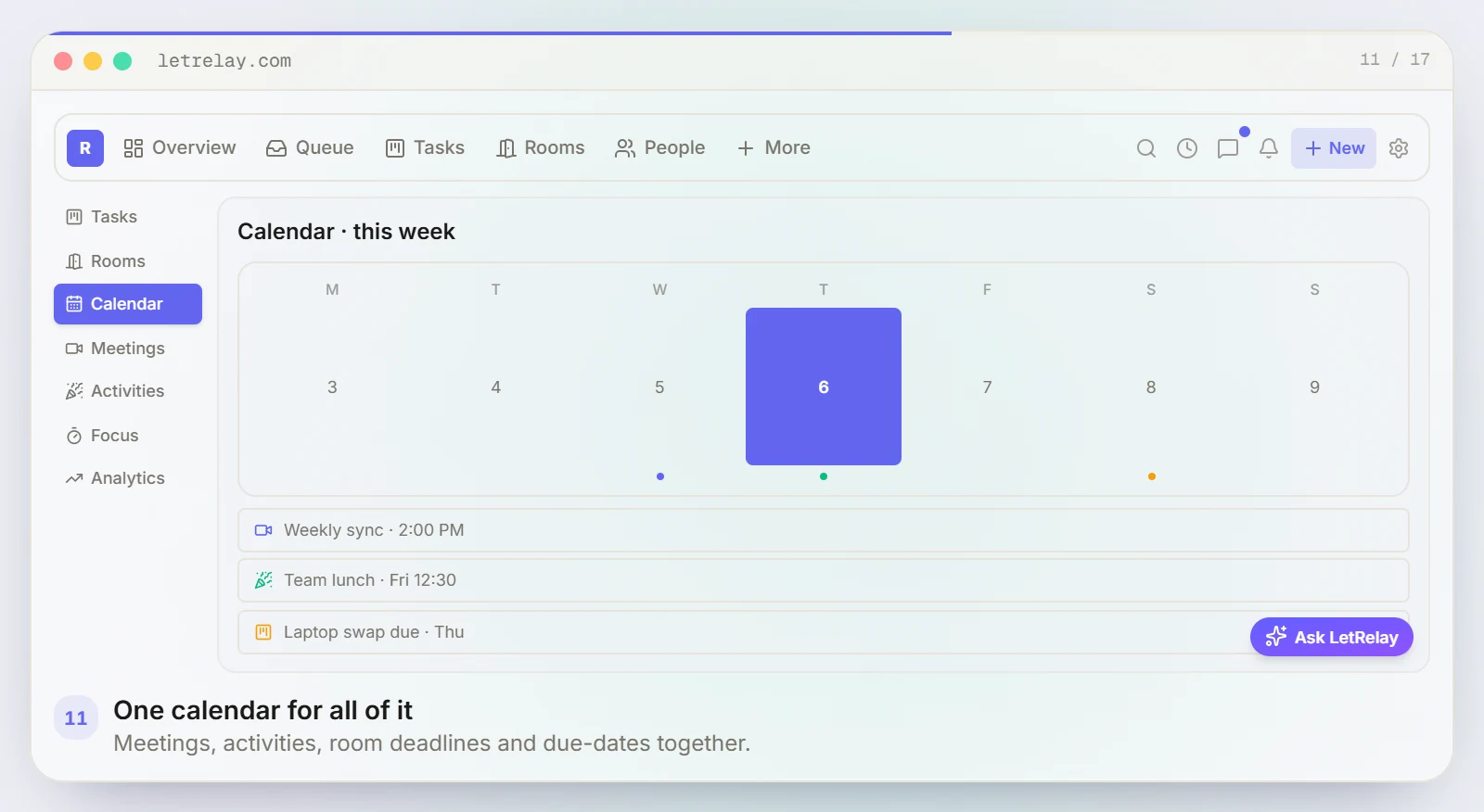
A LetRelay workspace has a shared calendar where meetings, activities, room deadlines and due dates sit together, so the lab meeting rota lives next to everything else the lab does. Video meetings run inside LetRelay, and the Friday updates and Monday digest take progress checking out of the lab meeting, so the hour can go to data and discussion. More on the LetRelay for research groups page.
FAQ
How long should a lab meeting presentation be?
Usually 20 to 45 minutes, depending on the lab. Plan to talk for about two thirds of the slot and leave the rest for questions. At roughly one slide per minute, a 30-minute slot means 12 to 16 slides.
What should I present at my first lab meeting?
A short plan: the question you want to work on, the papers it builds on, your first experiment or analysis in detail, and what you would like advice on. Fifteen to twenty minutes is plenty.
Should I present failed experiments at lab meeting?
Yes. Show the raw output, what you have already ruled out and your best guesses, and ask for specific help. Failed experiments are where the group's experience is most useful.
How often should a lab have lab meetings?
Weekly is a common rhythm for research groups, often with the format rotating, as in the Edinburgh lab manual cited below. Very large labs sometimes add smaller subgroup meetings; very small labs may meet every other week and rely more on 1:1s.
How do you make a lab meeting presentation engaging?
Put the point of each slide in its title, show real data large enough to read, and end with a specific ask. Engagement in a lab meeting comes from the room being able to help you, not from animations.
Sources
Building LetRelay, the workspace for research groups and small teams: lab management, supervision tools, and an internal request desk with AI triage and SLA tracking.
Run your internal requests on LetRelay
AI triage, SLA-tracked queues, and bottleneck analytics — the help desk your team actually likes. Free to start.
Keep reading
How to Email a Potential PhD Supervisor (With Examples)
When emailing a professor helps your PhD application and when it does not, what to write, two example emails, and how PIs can handle inquiries fairly.
How to Ask a Professor for a Recommendation Letter
When to ask, what to send, and the exact emails to use, plus how professors can handle a stack of letter requests without missing a deadline.
Lab Onboarding Checklist for New PhD Students and Members
A lab onboarding checklist for the first day, first week and first month of a new PhD student, postdoc or visiting researcher, plus the offboarding list that keeps data and keys from walking out the door.