Lab Equipment Booking System: Fair Rules and Free Options
Booking rules that keep shared microscopes, instruments and GPU nodes fair, a copyable policy, and an honest comparison of free and paid lab booking systems.
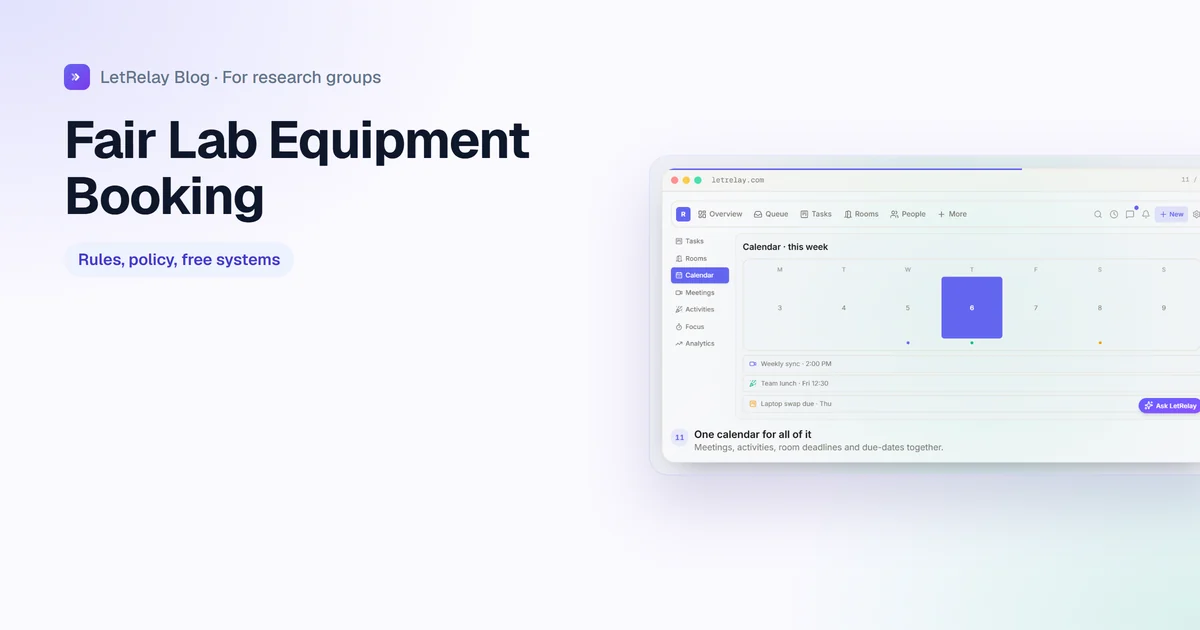
Fair equipment booking comes from a few written rules more than from software: a maximum length per booking, a weekly limit per person, how far ahead people can book, a cancellation rule, training before first use, and an exception process for deadlines. Put those rules on the booking system itself so it enforces them. A shared calendar with resource bookings is enough for a small lab; move to a dedicated system when you need automatic limits, training checks or usage reports.
Shared equipment is where lab friction concentrates: the student who blocks the confocal for a whole week, the overnight run that nobody cancelled, the new postdoc who is not sure they are allowed to book at all. This guide gives you the rules, a policy you can copy, a comparison of free and paid systems, and what changes for GPU nodes and core facilities.
The rules that make booking fair
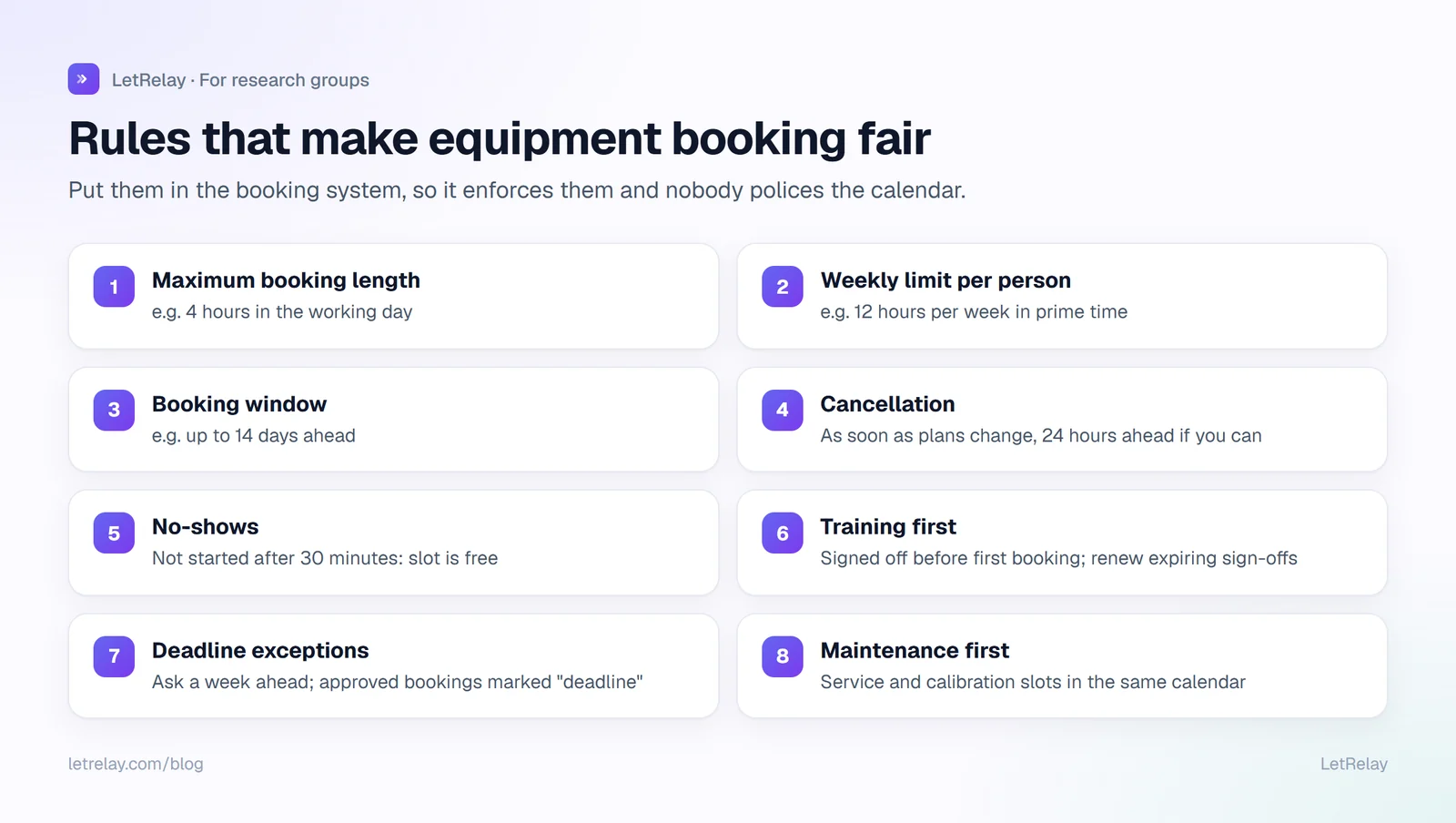
1. Maximum booking length. For example, four hours on a microscope during the working day. Long enough for a real session, short enough that one person cannot take a whole day.
2. Weekly limit per person. For example, twelve hours per week in prime time. This is the rule that prevents hoarding.
3. Booking window. How far ahead people can book, often one to two weeks. A long window rewards people who plan; a short one keeps the calendar open for everyone.
4. Cancellation. Cancel as soon as plans change, and at least a set time ahead (for example, 24 hours) so someone else can use the slot.
5. No-shows. A slot not used within, say, 30 minutes of its start can be taken by anyone. Repeated no-shows mean a conversation, not a public shaming.
6. Training before first use. Nobody books until they have been signed off on the instrument, and sign-offs that expire (for lasers, radiation, biosafety cabinets) are renewed.
7. Deadline exceptions. A defined way to ask for more time before a paper, a thesis or a grant deadline, approved by the lab manager or PI. Without it, people either break the rules or miss deadlines.
Two more that save arguments: book maintenance and calibration slots into the same calendar, so they are visible; and keep a short usage log at the instrument (who, when, any problems) so issues are traced to a session.
A booking policy you can copy
[Lab name] equipment booking policy
Applies to: [confocal microscope, plate reader, GPU node 2, cold room bench]

Who can book
- Anyone signed off on the instrument by [lab manager]. Sign-off for
  [laser / biosafety] items expires after [12 months].

How to book
- Book in [system]. No verbal or whiteboard bookings.
- Maximum [4 hours] per booking between 09:00 and 18:00.
- Maximum [12 hours] per person per week between 09:00 and 18:00.
- Evenings, nights and weekends: no weekly limit, still book it.
- You can book up to [14 days] ahead.

Cancelling and no-shows
- Cancel as soon as your plans change, at least [24 hours] ahead if you can.
- If you have not started [30 minutes] after your slot begins, anyone
  may use the rest of it.

Deadlines
- Before a paper, thesis or grant deadline, ask [lab manager / PI] for
  extra time at least [one week] ahead. Approved extra bookings are
  marked "deadline" in the calendar.

After each session
- Fill in the log at the instrument. Report any fault in [request desk]
  straight away and mark the instrument out of service.

Maintenance
- Service and calibration slots are booked by [lab manager] and take
  priority.
Adjust the numbers to the instrument. A plate reader with ten-minute runs needs different limits from a microscope where a session takes half a day.
Choosing a booking system
Prices below were checked on 28 September 2026.
| Option | Cost | Enforces limits? | Good for |
|---|---|---|---|
| Google Workspace resource calendars | Included if your institution uses Workspace; an admin creates the resources | Accept or decline by availability; no per-person limits | Small labs, a few instruments |
| Microsoft 365 equipment mailboxes | Included; resource mailboxes do not need a licence | Auto-accept rules; no per-person weekly limits | Labs on Outlook |
| Your institution's core facility system (for example iLab or PPMS) | Set by the institution | Usually yes, with training checks and billing | Shared and core-facility instruments |
| Skedda | Paid after a 14-day trial; from $99 per month (EMEA and APAC Starter) or $249 per month (US and Canada Plus), billed annually | Yes, rules and roles engine | Departments booking many spaces and instruments |
| LetRelay | Free plan for small labs, paid plans for larger groups (see pricing) | Yes: hours per booking and hours per week per resource; training expiry dates | A single research group, alongside updates, milestones and requests |
A common mistake is choosing a department-wide system for a single lab's three instruments, or a free calendar for a facility that needs billing. Match the system to who shares the equipment.
GPU nodes and compute are different
If your lab's GPUs sit in a cluster managed by a job scheduler such as Slurm, do not book them in a calendar. Use the scheduler: Slurm's multifactor priority plugin, for example, includes a fair-share factor based on the difference between the share of the resource each user or group was promised and what they have actually used. Calendars make sense for a GPU workstation used interactively, a single node reserved for a deadline, or time on an instrument with an attached computer.
For lab managers: making it stick
- One place to book. Remove the paper sheet and the whiteboard once the system is live.
- Say the rules at onboarding and link the policy from your lab's handbook and lab onboarding checklist.
- Look at the usage report once a term. If one instrument is always full, that is the evidence for buying a second one or extending hours.
- Tie faults to a request. A broken instrument reported in chat is forgotten; a repair request with an owner and a status gets fixed.
- Keep stock next to bookings. Consumables for the instrument run out at the worst time; see lab inventory management for reorder levels.
For PIs: fairness is a lab-culture decision
The rules above are neutral on purpose: the same limits for everyone, with a transparent exception process. If senior members routinely get priority, write that down and explain it. Unwritten priority is what students notice and resent. The booking policy belongs in your lab expectations document alongside hours and authorship.
For students and postdocs: good booking etiquette
- Book only what you will use, and cancel the moment you know you will not.
- Leave the instrument as you found it, and fill in the log.
- If you need a long run, book the evening or weekend, or ask for a deadline exception early.
- Report problems immediately, even if you are not sure you caused them.
How LetRelay does it
In a LetRelay research group, students book the microscope, GPU node or room themselves, within the limits the lab sets per resource: hours per booking and hours per week. Training certificates carry expiry dates, so the lab can see who is signed off and who needs renewal. Faults and repairs go to the lab's request desk, where they are routed and tracked, and consumables with a low-stock level can be reordered from the same place. More on the LetRelay for research groups page.
FAQ
What is a good free lab equipment booking system?
If your institution uses Google Workspace or Microsoft 365, resource calendars or equipment mailboxes are already included and work well for a few instruments. They do not enforce per-person weekly limits, so pair them with a written policy.
How do you make equipment booking fair in a lab?
Set a maximum booking length, a weekly limit per person, a booking window, a cancellation and no-show rule, training before first use, and a clear exception process for deadlines. Apply the same rules to everyone and publish them.
How far in advance should lab members be able to book equipment?
One to two weeks works for most shared instruments. Longer windows favour people who book early; shorter ones keep time available. Deadline requests can be handled as exceptions.
Should GPU nodes be booked in a calendar?
Not if they are in a cluster with a job scheduler. Use the scheduler's fair-share settings. Calendars suit interactive workstations or a node reserved for a specific deadline.
What should an equipment booking policy include?
Who can book, how to book, maximum booking length, weekly limits, booking window, cancellation and no-show rules, deadline exceptions, the usage log, fault reporting and maintenance priority.
Sources
Building LetRelay, the workspace for research groups and small teams: lab management, supervision tools, and an internal request desk with AI triage and SLA tracking.
Run your internal requests on LetRelay
AI triage, SLA-tracked queues, and bottleneck analytics — the help desk your team actually likes. Free to start.
Keep reading
Lab Inventory Management: Spreadsheet Template and Tools
The columns a lab inventory spreadsheet needs, how to set reorder levels, a simple ordering workflow, and when to move to free or paid inventory software.
Lab Expectations Document: What to Include (Template)
What a lab expectations document covers, a copyable template for PIs, real examples from published lab manuals, and how students and lab managers use it.
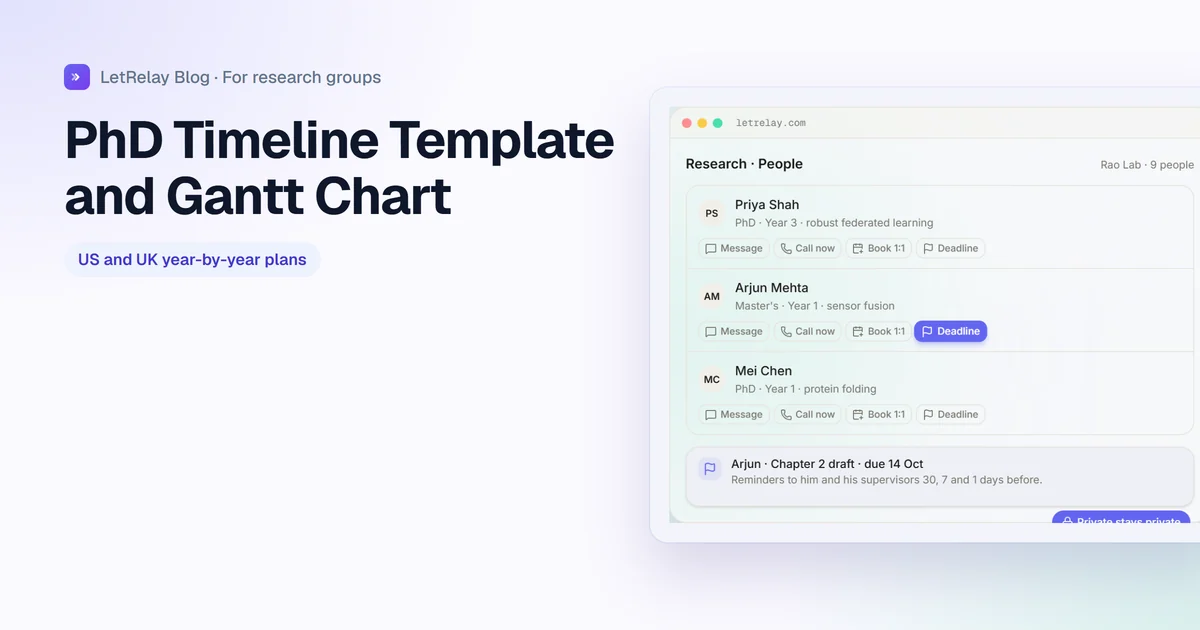
PhD Timeline Template: Year-by-Year Plan and Gantt Chart
Year-by-year PhD timelines for US and UK-style programs, a Gantt chart you can build in Excel or Sheets in ten minutes, and how supervisors keep it on track.